
A line you remember
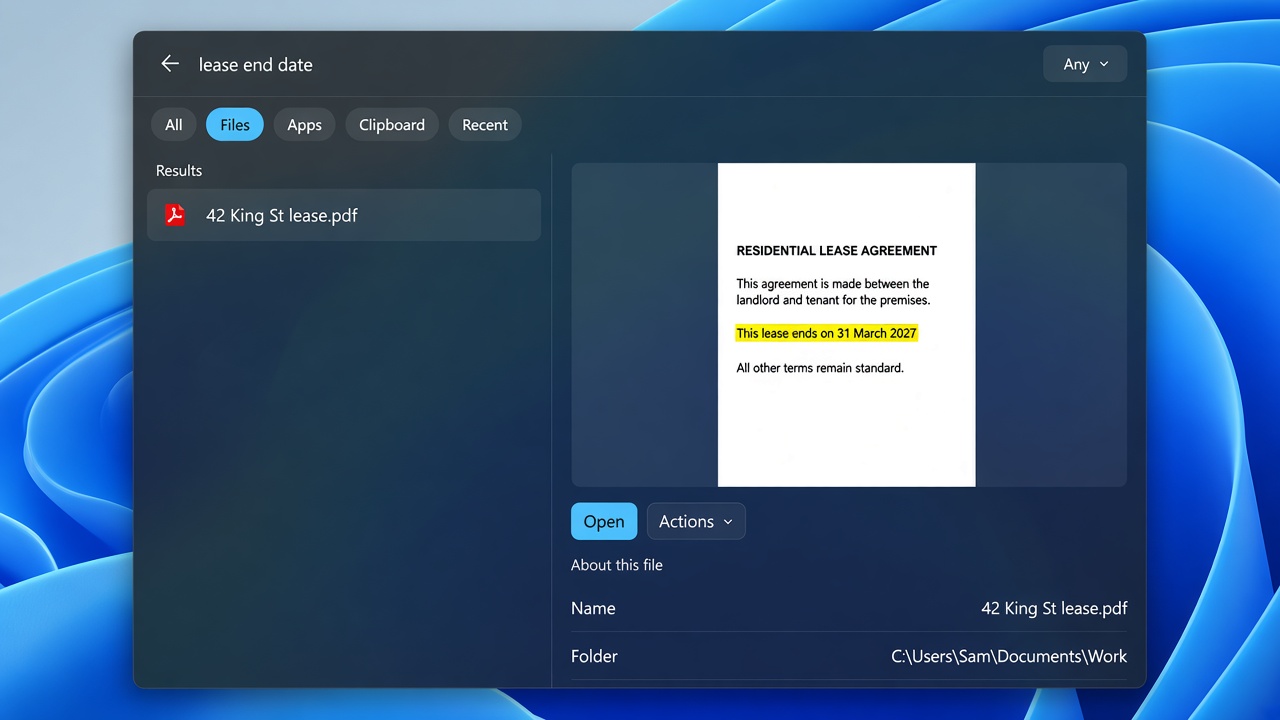
Type a phrase from a lease, invoice, or scan. SearchQuik reads the file on this PC and opens the one that matches.
 Join the beta
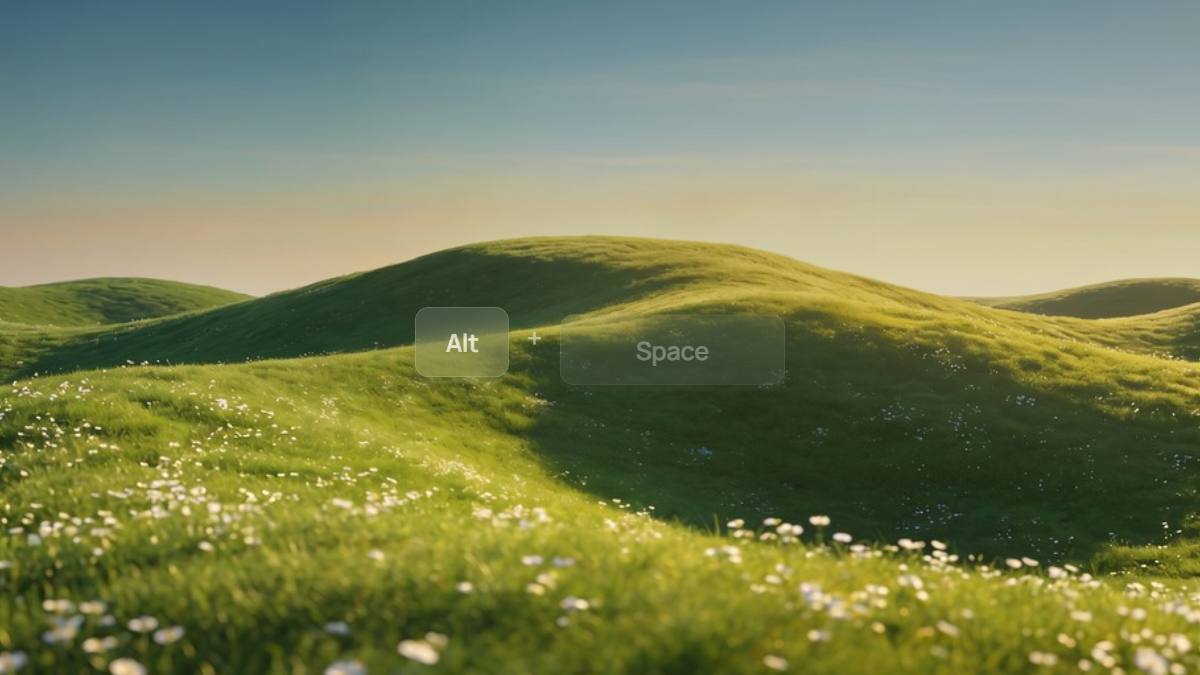
Alt + Space opens search
Even the stuff you forgot where you saved.
Open the bar, type what you remember, open the file.
Type a phrase from a lease, invoice, or scan. SearchQuik reads the file on this PC and opens the one that matches.
Type Slack, Notepad, or Cursor. The Apps chip lists installed programs so you launch them from the same bar as your documents.

The All tab mixes a document, an app, a clipboard picture, and recent opens. Switch with a click, or Ctrl + 1 to 6.

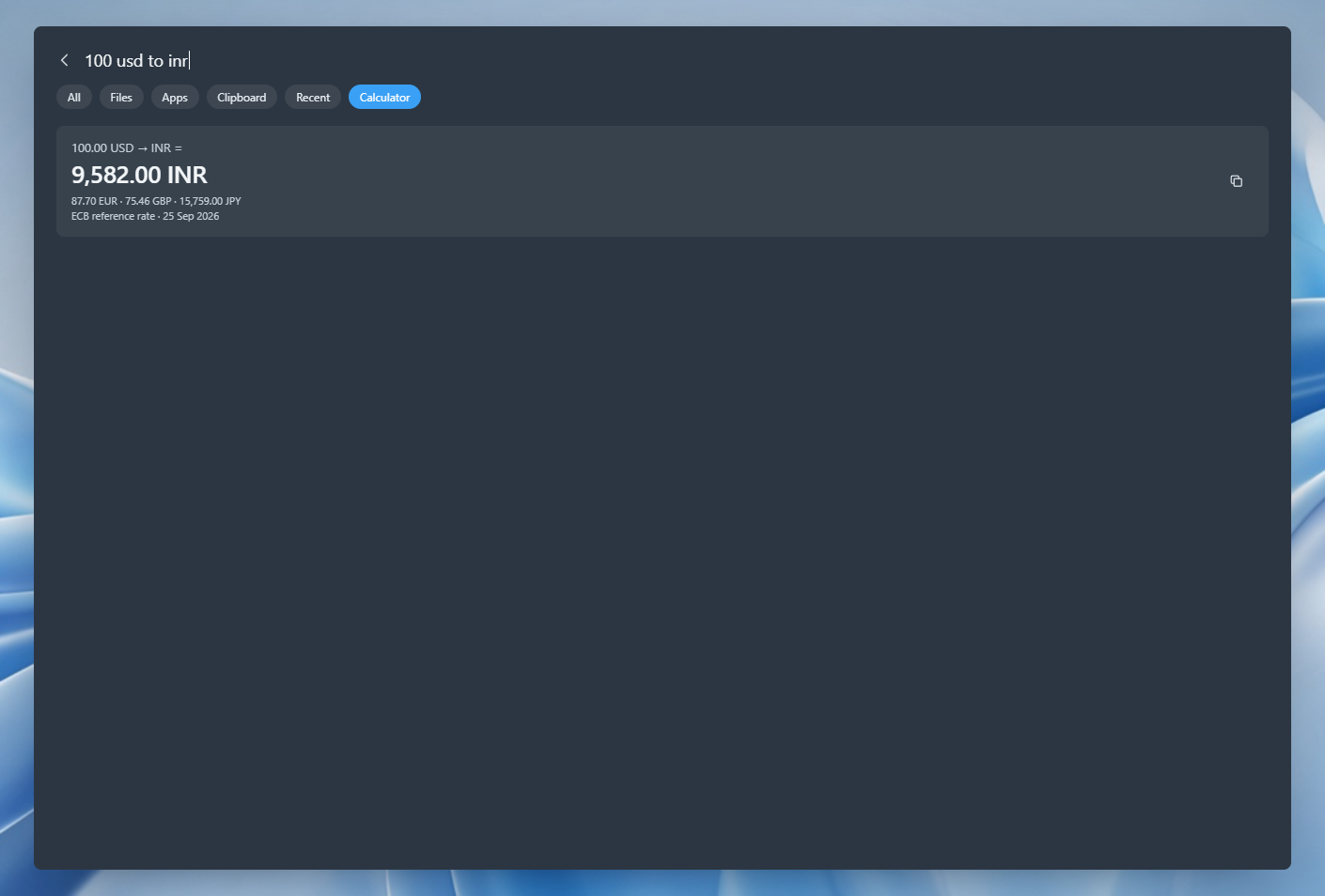
Type 12*8, 5 km to mi, or 100 usd to inr. The answer pins in the bar. Currency uses the European Central Bank reference rate, and only after you ask.
The preview shows the line that matched, so you check the file first.
Skip Start. Type the app name, press Enter.
Version 1809 or later. On x64, x86, and ARM64 PCs.
What SearchQuik searches, where the index lives, which Windows versions it runs on, and when you can get it.
SearchQuik only looks in folders you add, reads text inside documents and scans, and puts files, apps, clipboard, recent items, and calculations in one bar.
Yes. Windows 10 version 1809 or later, and Windows 11. On x64, x86, and ARM64 PCs.
On this PC, in your local app data folder. File search works without an internet connection. A currency conversion may request a public exchange rate, then keep that rate on this PC.
No. Nothing you search is sent to a SearchQuik server. The index stays on the computer. A currency query can request public European Central Bank rates. That request does not include what you typed.
Yes. Type a phrase you remember from a lease, invoice, or scan. SearchQuik reads the file on this PC and opens the match.
Type an app name and use the Apps chip. Installed programs show in the same bar as your documents.
Yes. The Calculator chip, or Ctrl+6, answers a sum like 12*8, a unit conversion like 5 km to mi, or a currency amount like 100 usd to inr. Currency uses a public European Central Bank reference rate.
Alt + Space. That shortcut opens the bar from the desktop.
SearchQuik is in a private beta. Apply with your Google account and we will email you when your invite is ready. You sign in to the app with that same account.
SearchQuik is in a private beta for Windows 10 and 11. Apply with the Google account you will sign in with, and we will email you when your invite is ready.
Already in the beta? Help is on the support page.